Clear silhouette
The face and pose remain distinct when chat reduces the image.
Silentgrr channel art
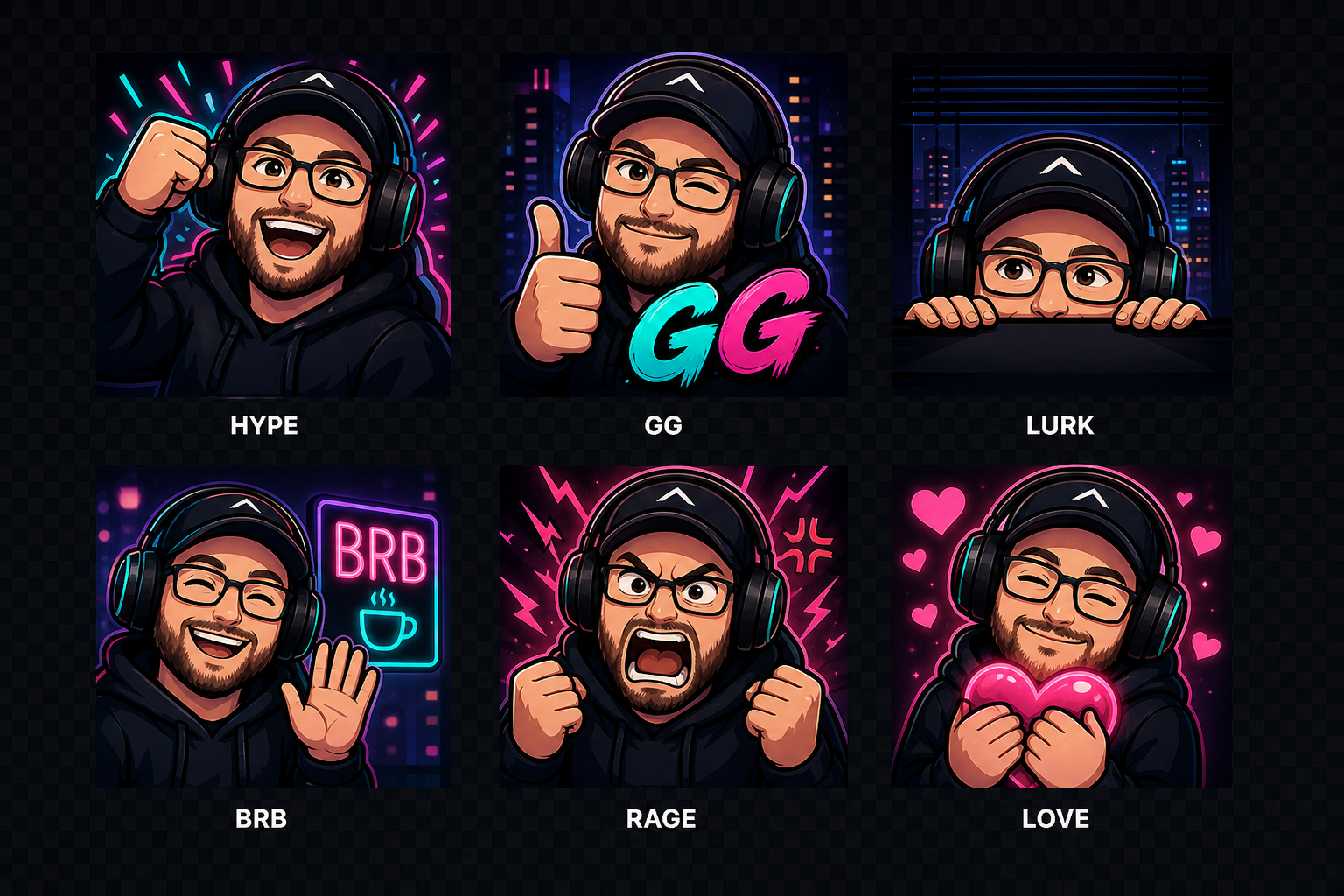
Six reactions give the Silentgrr community a compact visual language for stream moments, support, breaks, wins, and the occasional funny failure. Every expression is tested at the sizes viewers actually see in chat.
Size lab
Switch between the actual exported files. The 28-pixel view is the hard test: silhouette, expression, and contrast need to survive without relying on tiny details.






Build community language
A useful set starts with recurring channel moments, not a decorative asset count. The free Emote Pack Planner helps you name those moments, choose distinct expressions, and check whether each idea earns a place in chat.
Original concept sheet
The Silentgrr AI character reference is the visual anchor for this channel set. Consistent framing and color make the reactions feel related even when their expressions change.
The face and pose remain distinct when chat reduces the image.
Bright edges and controlled detail keep the expression readable.
Framing, character, and color connect all six reactions as one set.
Every emote maps to a recurring way the community responds.
These images are shown as Silentgrr channel-identity examples. This showcase does not grant a public reuse, redistribution, or commercial-use license.