Channel Identity
Graphics and Emotes
Download the free Neon Signal Starter Pack for early channel tests, then request custom Twitch-style emotes, Discord emoji, sub badges, panels, overlays, alerts, stream screens, and creator asset bundles.
Graphics Ladder
This makes the graphics page easier to sell: people can download something now, inspect the Silentgrr sample set, then request a custom pack with a clearer brief.
Use the starter emotes and badges for testing, mockups, Discord experiments, and early channel visuals.
Proof View the Silentgrr emote concept setSee how a character reference turns into HYPE, GG, LURK, BRB, RAGE, and LOVE concepts.
Plan Build the custom emote brief in your browserChoose reactions, visual source, art direction, palette, and community details, then export the plan.
Visual Kit Preview and scope a complete channel lookChoose screens, overlays, panels, alerts, social templates, emotes, and handoff files in one connected plan.
Direct Build the complete visual-system briefTest a palette, preview the creator direction, choose needed assets, and export production notes.
Custom Request emotes, badges, panels, or screensTurn a channel joke, avatar, mascot, style, or community need into a real creator asset pack.
Silentgrr Visual Samples
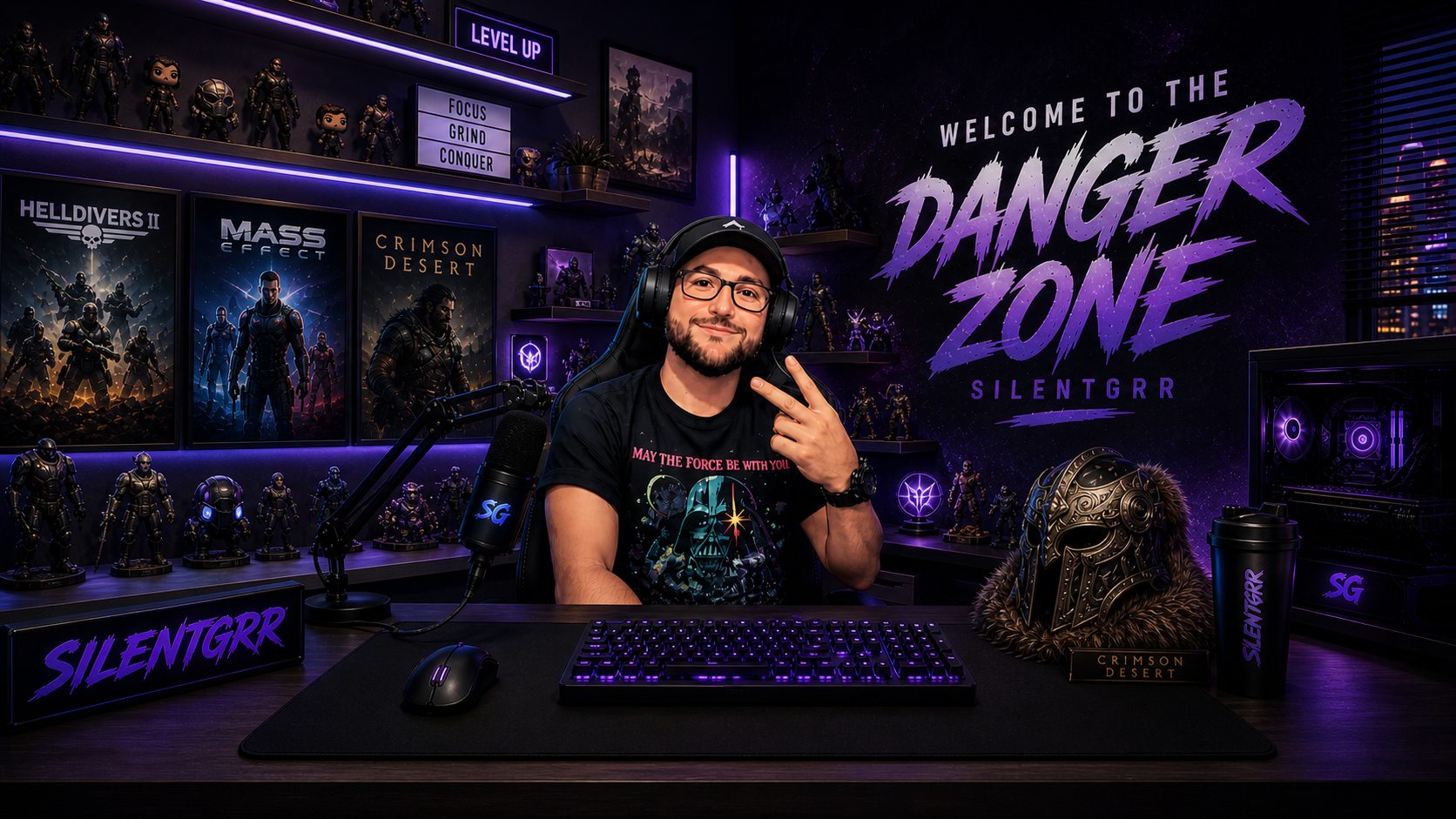
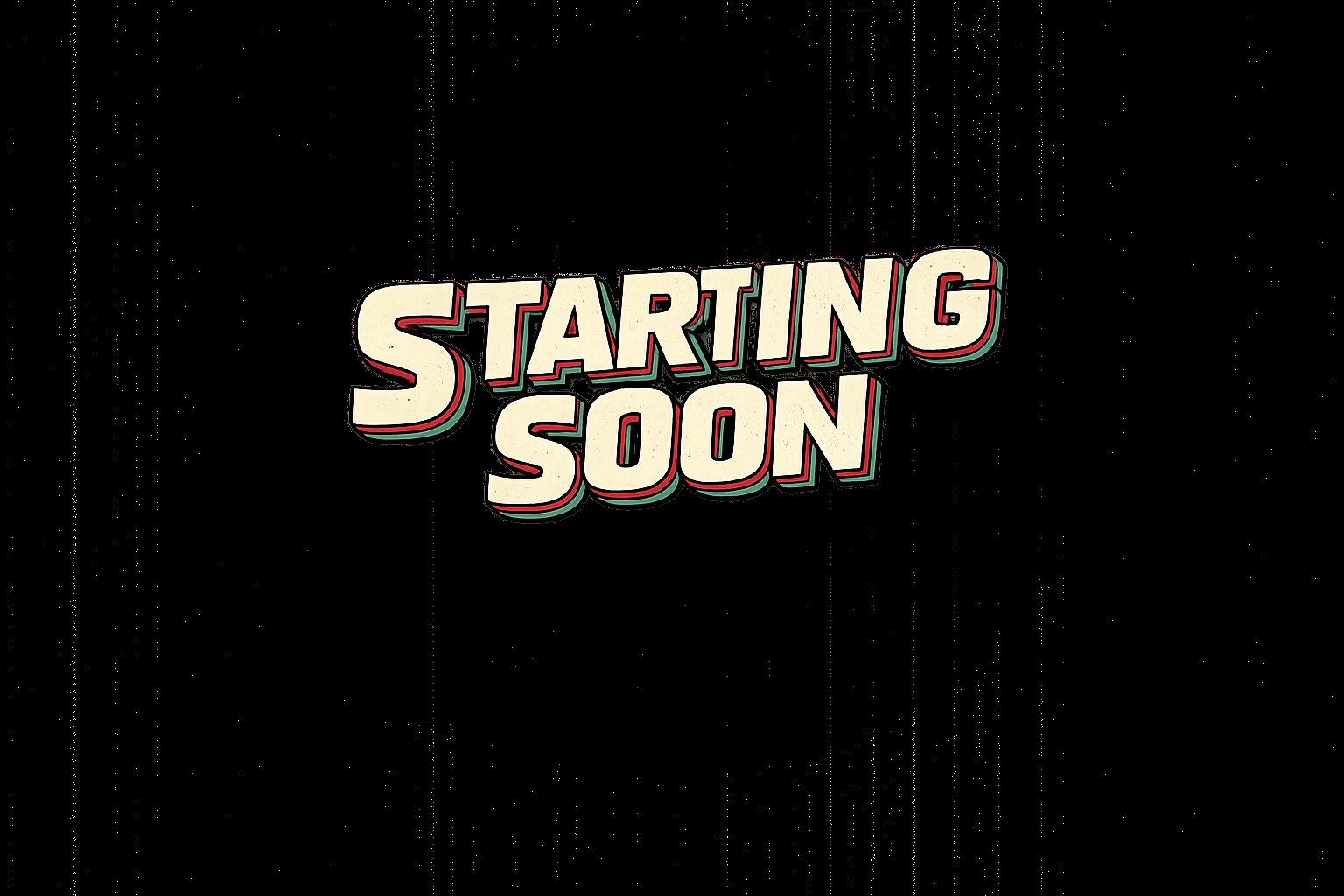
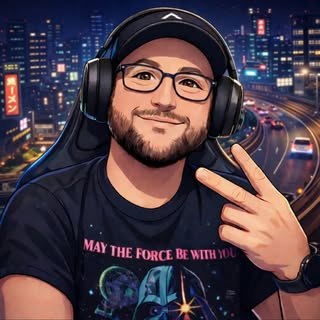
This is the direction for the custom graphics side: a connected visual kit with hero art, creator avatar, stream screens, emotes, badges, and matching public-page assets.
Free Download
A small starter set for stream planning, Discord testing, mockups, and early creator branding. It is intentionally simple so it can be used now while custom packs get designed later.

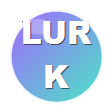
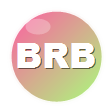
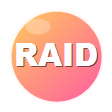
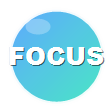
All starter emotes, badge graphics, and README in one download.
Guide README.mdUsage notes, included files, and basic platform guardrails.
Sample signal-hype-112.pngSingle emote preview file from the free pack.
Sample signal-badge-pulse-72.pngSingle badge preview file from the free pack.
Showcase Silentgrr avatar emote setA character-based emote concept pack built from the Silentgrr AI reference design.
Silentgrr Sample Set
The site now has a dedicated production lane for turning the Silentgrr AI character design into emotes, Discord emoji, badge concepts, and a web showcase. This is both a sample of what can be made and the template for future custom creator packs.
Custom Graphics
Reaction sets for Twitch, Discord, Kick, YouTube, and community servers: hype, GG, lurk, raid, BRB, rage, love, and channel memes.
Build an emote requestTier badges, month badges, bit-style icons, Discord role icons, and tiny high-contrast symbols that read in chat.
Build a badge requestAbout panels, schedule panels, starting soon, BRB, offline screens, alert concepts, and matching creator page graphics.
Build a graphics requestColors, type direction, profile graphics, link-in-bio assets, social post templates, thumbnail direction, and visual rules.
Plan a brand kitPremade themed packs that can become free downloads, paid downloads, bundles, or member resources.
Explore resource packsAsset organization, file naming, size checks, OBS placement notes, Discord emoji planning, and channel setup checklists.
Build a setup requestFirst-Version Boundary
The Stream Visual Kit starts with art direction and the priority assets viewers will actually see. Quantity, illustration complexity, animation, editable source files, and extra revision rounds change the final scope.
Specs To Remember
